Overview
This document is giving you an overview of the DataLbry's GitHub Connector for version 0.1.0-alpha.1643708449.
What is GitHub?#
GitHub, Inc. is a provider of Internet hosting for software development and version control using Git. It offers the distributed version control and source code management (SCM) functionality of Git, plus its own features. It provides access control and several collaboration features such as bug tracking, feature requests, task management, continuous integration and wikis for every project.
Obtaining Credentials#
To be able to use this connector you need the to provide your personal access token. To do so, you first need to log into your GitHub account at https://github.com. Then you have to follow GitHub's official documentation on how to obtain your personal access token .
caution
If you set your personal access key valid for only 7 days, then the connector will be able to load the data from GitHub for only 7 days too.
Lastly you have to give your personal access token all read/view permissions. Such that the connector can actually read the data.
Targeted Documents#
Currently, the following documents are targeted by the connector:
- Logged in User
- Organizations
- Repositories of logged-in user and organizations
- Issues of repositories
- Releases of repositories
Additional Options#
Organization Filter#
Filtering for organization can be achieved in two ways. Either by using an Allow Filter or an Deny Filter. To use any filter you hae to provide the organization name.
The Allow Filter allows the connector to process only the organizations you specified. The Deny Filter denies the connector to process organizations you specified.
info
If an organization is in both filters, then the connector will be denied processing it.
info
The filter affect also documents that are part of a project. For example: If you deny the connector processing an organization, then it's repositories and issues will not be processed either. This is because a repository or issue are part of an organization.
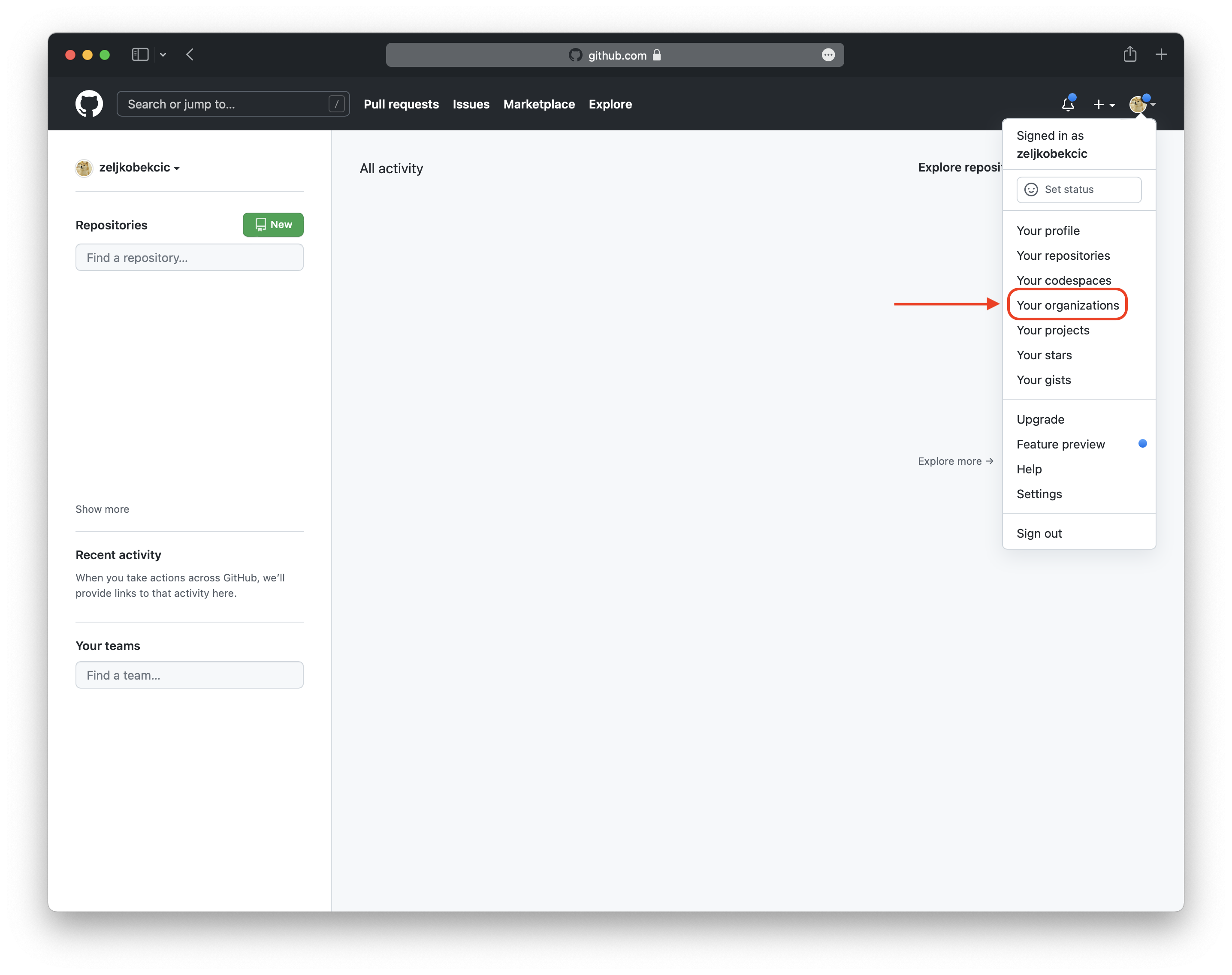
To use these filters you have to provide the organization name. In the following pictures you are shown how to obtain the organization name for the filter. First you need to log into your GitHub account. Then you click on the top right on your icon. A menu will appear, there you select "Your organizations". This is shown in the next image.
Now you see an overview of your organizations. The marked boxes show the organization name. In this example the
organization names are DataLbryTeset and datalbry.
